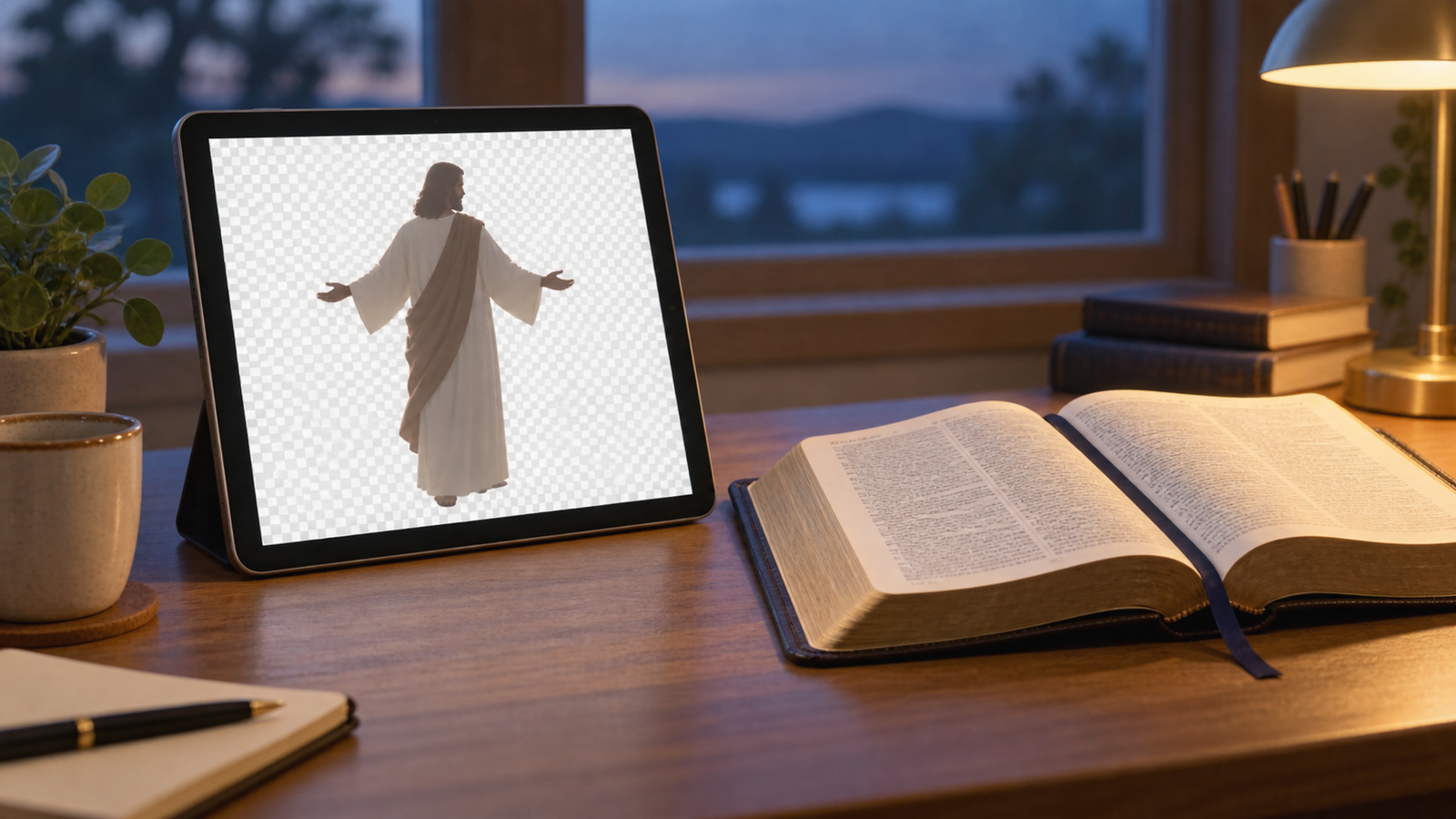
What Is a Jesus PNG?
When someone searches for jesus png, they may be looking for a digital picture of Jesus with a background that can be removed. The word PNG names a computer file type. It does not name a new kind of Jesus, a holy object, or a proven portrait of the Lord.
A PNG can be useful in a church presentation, Bible lesson, social graphic, children’s worksheet, or personal study. Yet the file must stay in its proper place. Jesus Christ is not a file on a screen. He is the eternal Son of God who became man, lived among us, died for sinners, rose from the dead, and reigns as Lord.
A Jesus PNG can point to a lesson about Christ, but it cannot replace Christ, Scripture, prayer, or the life of faith.
This guide explains PNG, Biblical questions, and wise use of Jesus images.
What Does PNG Mean in Simple Terms?
PNG means Portable Network Graphics. The World Wide Web Consortium describes PNG as a lossless image format. In simple terms, a PNG can preserve image information while compressing the file for storage and sharing. It can also include transparency through an alpha channel.
That transparent background is why people often search for a PNG. A designer can place the visible subject over a coloured slide, a worksheet, a website section, or another background. A PNG may therefore be more convenient than a picture with a solid white rectangle around it.
These are useful computer features, not spiritual qualities. A transparent background does not make an image more sacred. A high-resolution file does not make the picture more accurate. The extension at the end of a filename tells us how a computer stores an image. It does not tell us who Jesus is.
What Does PNG Transparency Mean?
Transparency means that some parts of the image do not show a solid colour. A cutout subject can appear over another background. Many editing programs show this empty area as a grey and white checkerboard. That checkerboard is a visual aid inside the program. It is not part of the finished transparent area.
For example, a church team might place a respectful Jesus cutout beside a Bible verse on a teaching slide. A family might place a simple image on a printable activity. A ministry might add a picture to a webpage. The transparent file makes the layout easier, but it does not add authority to the words beside it.
Check the result on both light and dark backgrounds. A white robe may disappear on a pale slide. A dark outline may distract from the words. Small details can become confusing when a file is resized. Good design serves clear teaching and keeps the focus on the message.

Why Do People Search for Jesus PNG Images?
Searchers may want a quick image for a church announcement, a Bible class, a sermon slide, a video thumbnail, a classroom handout, or a personal devotional post. Some may want a transparent figure that can be placed beside other content. Others may simply want a picture that helps them think about the Gospel.
The need behind the search can be sincere. Christians are visual learners, and a clear image can help a child remember a Bible story or help a group follow a lesson. People who are curious about Christianity may also begin with a picture before they read a Gospel account.
Still, speed creates risks. A search result may show an inaccurate scene, a careless caption, a false quotation, or an image copied without permission. A picture can present an imagined appearance of Jesus as if it were a verified historical portrait. Test it.
A Picture of Jesus Is Not Jesus
The most important distinction is simple: a picture is not the person it depicts. A photograph of a loved one is not that loved one. A drawing of a king is not the king. In the same way, a digital image that people call a Jesus PNG is not the Lord Jesus Christ.
This matters because Christian faith is not faith in a visual object. We trust the real Jesus revealed in the Bible. We confess that He is the Son of God. We receive His teaching. We depend on His death for the forgiveness of sins. We believe His bodily resurrection and look forward to His return.
Keep this distinction clear in a lesson or caption. Say that an image illustrates a scene or helps us imagine a setting. Do not claim that an artist has discovered Jesus’ exact face. Humility protects readers from confusing tradition, imagination, and Scripture.
What Does the Bible Say About Images?
Exodus 20:1-6 records God’s command that His people must not make a carved image to bow down to or serve. The command is about idolatry. God alone deserves worship. We must not turn a created thing into a substitute for the Creator.
That warning reaches the heart, not only the hands. A person can misuse a statue, painting, screen image, object, or even a religious idea. If the created thing receives trust, prayer, fear, or honour that belongs to God, it has taken a wrong place.
This does not mean that every visual reference has the same use. A map can show a Biblical location without being worshiped. A drawing can help a child picture a story without becoming an object of prayer. The careful Christian asks what the image is doing, what the words say, and whether the practice directs attention to the Lord.
Jesus Is the True Image of the Invisible God
Colossians 1:15-20 gives a much deeper answer to the word image. Paul calls Jesus “the image of the invisible God.” This is not a statement about pixels, paint, or a human artist. It tells us that the Son perfectly reveals who God is.
Jesus is not merely a teacher. All things were created through Him and for Him. He existed before all things. The fullness of God dwells in Him. He is the head of the church, and He makes peace through the blood of His cross.
A digital picture cannot carry this glory. It cannot create, forgive, reconcile, judge, or save. The best Christian image remains a small teaching aid. The true Image is Jesus Himself, and He must have first place in every Christian message.
Read the full Jesus in culture and media guide when you want to think more carefully about how media can serve faithful Christian witness.
Jesus Became Truly Human
John 1:1-18 teaches that the Word was with God and was God, and that the Word became flesh. This is the heart of the Christian confession. Jesus is truly divine and truly human. He entered real history, lived a real human life, and made the Father known.
Because Jesus became man, it is right to speak about His human body, His hands, His voice, His suffering, and His resurrection. The Gospel writers give true witness to these things. Yet the Bible does not give us an exact visual portrait of His appearance.
That leaves room for careful visual teaching, but not for false certainty. A Jesus PNG may use artistic choices about clothing, skin tone, hair, posture, or setting. Present those choices honestly. Let Scripture control what we say about Jesus, and let art remain a human aid to attention and understanding.
You can read more about the life and ministry of Jesus through the Gospel story itself. His words and works give us far more than a face to look at.
Why the Real Jesus Is More Than an Image
The Gospels show Jesus teaching, welcoming the weak, confronting sin, healing the sick, praying to the Father, and calling people to repentance and faith. He did not come to become a decorative figure. He came to seek and save the lost.
Acts 17:22-31 helps us see the difference between the living God and an object formed by human art and imagination. Paul points people away from idols and announces the risen Jesus as the appointed Judge. The Christian message is not, “Find the right picture and you will find God.” It is, “Turn to the risen Lord and believe the good news.”
Let a visual scene serve that message. If an image shows Jesus teaching, connect it to His words. If it shows the cross, explain the sacrifice. If it shows the empty tomb, proclaim the resurrection. Do not allow a beautiful picture to soften the truth that Jesus is Lord and Savior.
How to Choose a Respectful Jesus Image
Start with the purpose. A picture for a children’s lesson may need to be simple and warm. A historical teaching slide may need clothing and objects that fit the passage. A devotional graphic may need very little visual detail so that the Scripture can be read clearly.
Next, check the message. Does the image present Jesus with dignity? Does it fit the passage being taught? Does it avoid making Him look like a fantasy hero, a political mascot, or a product? Does it leave room for the truth that He is both the Son of God and the suffering servant?
Be careful with claims about accuracy. Unless a source provides strong evidence, do not call an image the real face of Jesus. A caption such as “an artistic depiction of Jesus teaching” is more honest. Honest words help readers distinguish Biblical testimony from visual imagination.
Finally, check whether the image is understandable at the size where people will see it. A clean silhouette may work in a small slide. A crowded scene may need a larger screen. Use the file to help people listen and learn.
Check the Message Behind the Picture
Images carry meaning even when they have no words. Facial expressions, clothing, posture, colour, setting, and surrounding objects can suggest what the creator wants viewers to believe. A picture of Jesus holding a child may communicate compassion. A picture of Jesus at a table may support a lesson about fellowship. The meaning still needs to be explained with Scripture.
Look for hidden messages. Does the image make Jesus look distant from ordinary people? Does it make Him look like a lucky charm? Does it place a political slogan or a commercial promise beside His name? Does it imply that people can receive blessing by sharing a picture? Those messages do not honour the Gospel.
Ask whether the image helps people see Christ as holy, compassionate, truthful, humble, powerful, obedient to the Father, crucified for sinners, and raised in victory. A good visual cannot communicate every doctrine, but it should not contradict the doctrine it supports.
Use Jesus PNG Files for Church Teaching
A Jesus PNG can serve a church lesson when the teacher remains clear about its role. Place the image beside a passage, not instead of the passage. Explain what is directly stated in Scripture and what is only an artistic reconstruction. Invite learners to open the Bible and read the text.
For a sermon slide, keep the image secondary to the main point. For a children’s class, use a simple picture to help children remember the story, then ask what the Bible actually tells us. For a video, make sure the narration teaches the Gospel rather than asking viewers to admire the artwork.
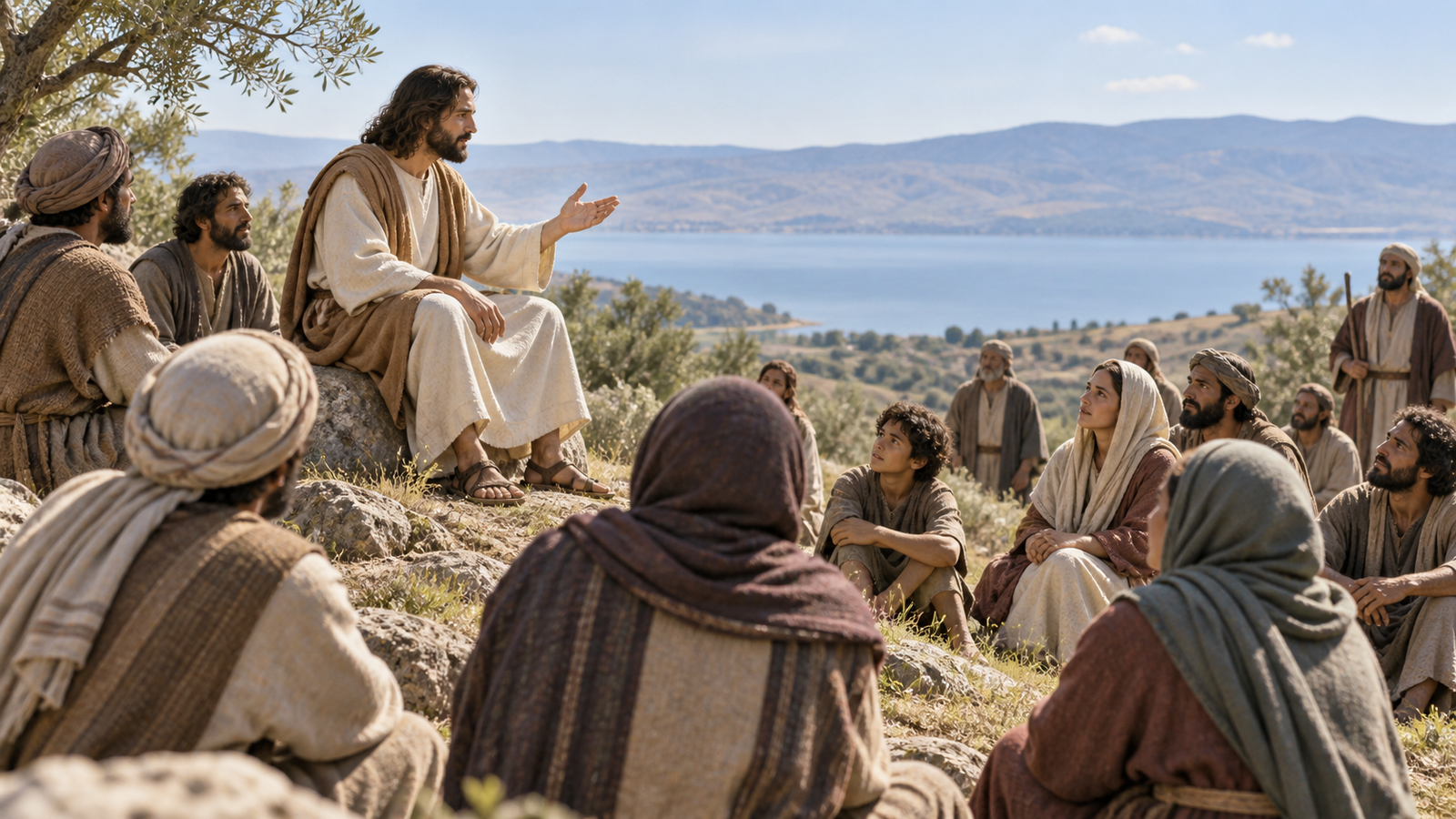
Use accessible descriptions for people who cannot see the image. A clear alt text might say, “Jesus teaches a gathered crowd on a hillside.” It should describe what is visible, not make a claim that the image is a verified portrait.
The goal of Christian media is loving service. Good design reduces distraction, supports truth, and helps people take the next step toward reading, hearing, and obeying the Word of God.
Think About Copyright and Permission
Before downloading or sharing a Jesus PNG, check who made it and what permission applies. A picture appearing in a search result is not automatically free to copy. The creator may have reserved rights, required attribution, or limited the places where the image may be used.
Read the licence in plain language. Keep a record of the source and any required credit. Do not remove a watermark or pretend that someone else’s work is your own. If the permission is unclear, choose a different image or ask the creator.
Permission is part of Christian honesty. The desire to make a ministry resource quickly does not excuse taking another person’s work. We can honour Jesus while also honouring our neighbours and the work they have made.
Also check the file itself. Use trusted downloads, scan unfamiliar files, and avoid pages that pressure you to install unknown software. A religious filename does not guarantee that the file or website is safe.
How Christians Can Share Images With Care
Before sharing, pause for five questions. Is the image respectful? Is the teaching true? Do we have permission? Is the image accessible and clear? Will this post help people look to Jesus, or will it invite empty reactions around a picture?
Write a short caption that tells the truth. Instead of saying, “This is exactly what Jesus looked like,” say, “This artistic image helps us picture Jesus teaching in a first-century setting.” Instead of promising that a shared image will bring blessing, point readers to the Bible and the Gospel.
If you lead a ministry team, make these checks part of the normal process. Have one person review the image and another review the words. Compare every quotation with the Bible. Confirm the licence. Give an alt text that describes the visible subject. Then publish with peace and humility.
What Jesus preached should shape what Christian media points toward: repentance, faith, love for God, love for neighbour, the kingdom of God, and the good news of salvation in Him.

When a Transparent PNG Helps
Transparency helps a visible subject fit into a teaching layout. A church can place a cutout beside a map, timeline, verse, or simple background. A family can print a worksheet without a white box around the picture.
Keep the design simple. Do not cover a Bible verse or place Jesus beside jokes, sales pressure, or claims that Scripture does not support.
A file can be technically useful and spiritually unhelpful. The question is not only whether transparency works. Ask whether the finished page helps the reader understand Christ and respond to Him in truth.
Write Honest Alt Text and Captions
Alt text helps people who use screen readers understand the visible content of an image. It also helps when an image cannot load. Keep it short and concrete. Mention the main subject, action, and setting when those details are visible.
Good alt text says what the picture shows. It does not say that the picture is a verified portrait, that an unseen miracle happened, or that the reader will receive spiritual power by viewing it. Those claims go beyond what the image can prove.
Captions can add a teaching connection. For example, a caption may explain that Jesus is not replaced by an image, or that a transparent PNG can fit a slide without a solid background. Keep the words clear, kind, and faithful to Scripture.
A church media volunteer should compare the picture, alt text, caption, and Bible passage before sharing. This protects readers and makes Christian communication more welcoming.
A Simple Biblical Test Before Sharing
Use this short test before you publish a Jesus PNG or any other Christian image.
- Truth: Does the caption agree with the Bible and avoid claims the image cannot prove?
- Worship: Does the image point to Jesus, or is it becoming a substitute for Him?
- Love: Will this help people learn, or could it confuse, shame, or manipulate them?
- Honesty: Have you described the image as art when it is art, and credited the creator when required?
- Purpose: Is the image serving a clear lesson, or is it present only to attract attention?
These questions do not create a man-made rule for every Christian. They help us apply Biblical wisdom. Christian wisdom for daily life grows as we fear the Lord, listen to His Word, and consider how our choices affect other people.
If the answer is unclear, wait. A delayed post is better than a careless witness.
Frequently Asked Questions
What is a Jesus PNG?
A Jesus PNG is a digital image saved in the Portable Network Graphics format. It may have a transparent background, but it is only a picture and is not Jesus Himself.
Is it wrong for Christians to use a Jesus PNG?
Using a digital image is not automatically the same as worshiping an idol. Christians should examine the image, its purpose, its message, and their own hearts, while obeying Scripture and worshiping Jesus alone.
Does the Bible give us a real picture of Jesus?
The Bible gives us true testimony about Jesus, but it does not give us a verified physical portrait of Him. The Gospels show who He is through His words, works, death, and resurrection.
What should a Christian check before sharing a Jesus PNG?
Check that the image is respectful, the message agrees with Scripture, the source gives permission, the file is safe, and the image points people to Christ rather than replacing Bible teaching.
How can a Jesus PNG help someone learn about Christ?
A suitable image can invite attention, support a lesson, or help explain a historical scene. It helps only when the words and Scripture lead. Saving or viewing the image does not save anyone.
A Prayer for Wise Use of Christian Images
Lord Jesus, You are the Son of God, the Savior of sinners, and the true image of the invisible God. Thank You for becoming man, dying on the cross, and rising again.
Give us wisdom when we use images, screens, and creative work. Keep us from idolatry, careless claims, false teaching, and the desire to gain attention for ourselves. Help us test every message by Your Word.
Teach us to honour other people’s work, seek permission, write honestly, and make our media accessible. May every picture remain a servant, while You remain the center. Lead readers from visual interest to Scripture, repentance, faith, and joyful obedience.
We trust You, the living Lord, not a picture made by human hands. Keep our eyes on Your cross, Your empty tomb, and Your coming kingdom. Amen.
Sources for Further Reading
- W3C PNG Specification, information about PNG, lossless storage, and transparency.
- Exodus 20:1-6, God’s command against idols and false worship.
- John 1:1-18, the Word who was God became flesh in Jesus Christ.
- Colossians 1:15-20, Christ as the image of the invisible God and Lord over creation.
- Acts 17:22-31, Paul’s message about the living God and the risen Jesus.
- John 20:24-29, the risen Jesus meets Thomas and calls for faith.
- 2 Corinthians 5:17-21, reconciliation with God through Christ.